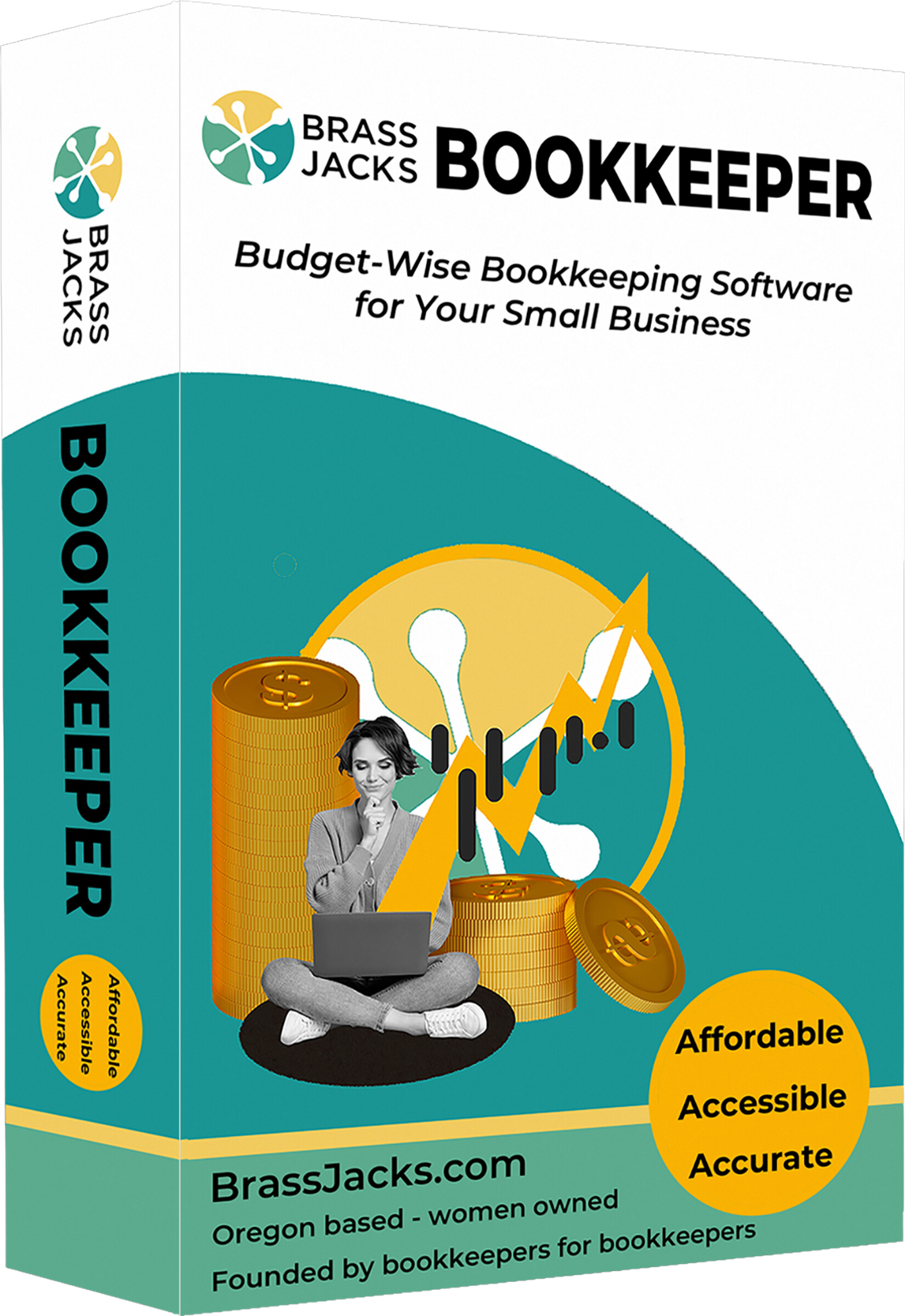
Welcome to Brass Jacks Bookkeeper Software

If you've used desktop bookkeeping software before, Brass Jacks will feel comfortably familiar - without the subscription pressure. 
Your download link and license information were sent to your email after purchase. 

Now let's get you set up!


Step 1 -
Install Brass Jacks

This walkthrough shows you how to:

- install the software
- activate your license
- open Brass Jacks for the first time
Write your awesome label here.

Step 2 -
Set up Your Company

Learn how to:

- create your company file
- enter business information
- configure preferences
- prepare for bookkeeping and payroll

Moving from QuickBooks? 

We offer a Done-For-You QuickBooks conversion service designed to make switching simple.

You send us your QuickBooks file.
We return a fully configured Brass Jacks company file ready to use.
  • No messy imports.
  • No technical setup.
  • No migration guesswork.

Quick Start Tutorials

Daily Bookkeeping: 
- Running Reports
- Bank File Import
- Printing Customer Statements

Payroll:

- Setting up Payroll
- Payroll Tax Settings
- Running Payroll Checks

Data & Migration:

- Importing Data
- Backing up your company

Need Help? 

We've built Brass Jacks Bookkeeper to be practical, familiar and straightforward - but if you get stuck, we're here. 

Built for Bookkeepers,
by Bookkeepers

Brass Jacks Bookkeeper was created by people who understand the day-to-day realities of bookkeeping work.

No bloated software.
No forced subscriptions.
No unnecessary complexity.

Just practical bookkeeping software designed to help you get the job done.

Welcome aboard.

Created with