
Bookkeeping software you actually own.
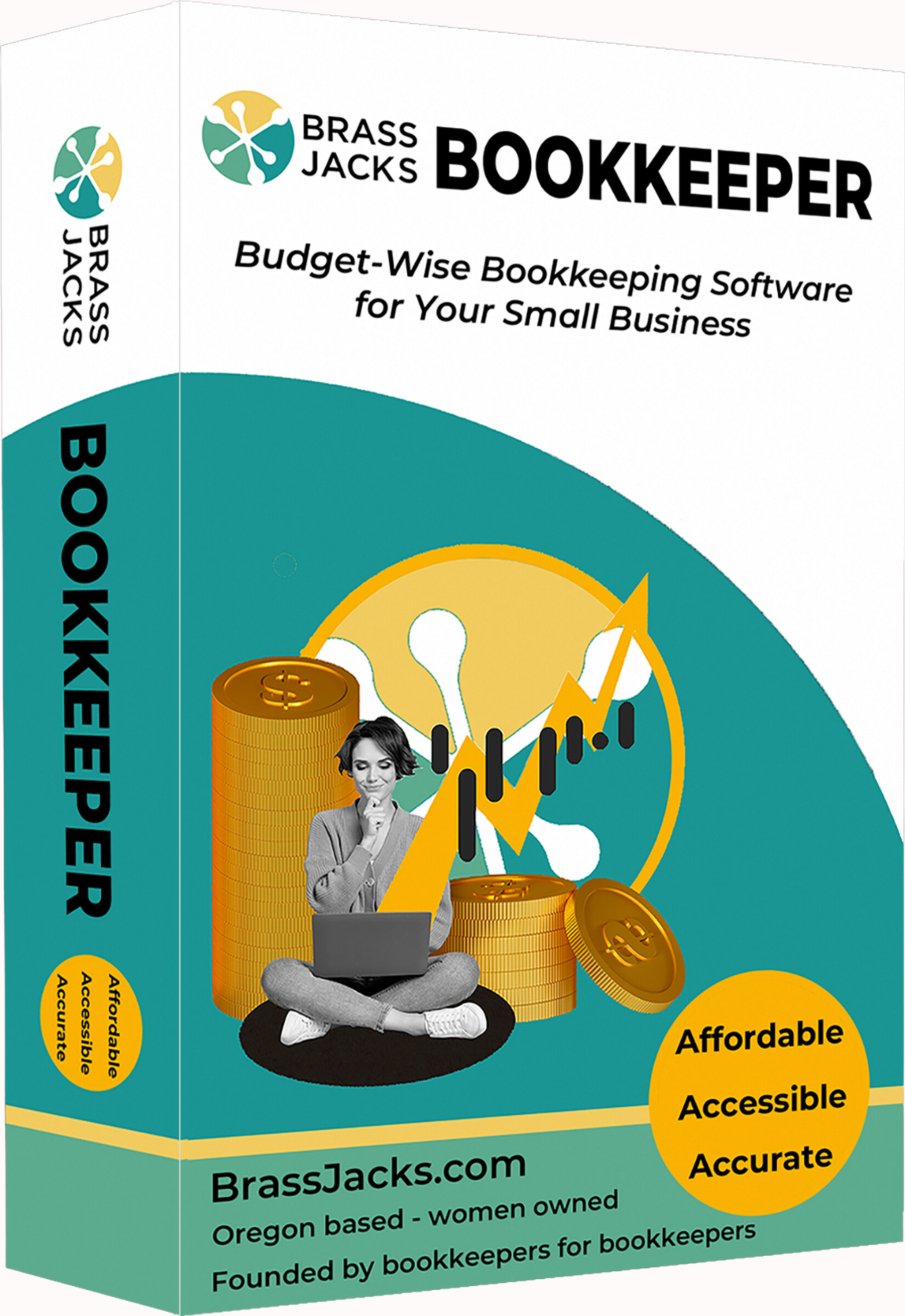
Built for Bookkeepers and Small Businesses Leaving QuickBooks Desktop
If you’ve been searching for an affordable QuickBooks Desktop alternative, you’re not alone.
For years, QuickBooks Desktop offered straightforward, reliable bookkeeping software. Then came:
Annual prices jumping into the thousands
Forced upgrades and discontinued versions
Aggressive pushes to move to QuickBooks Online
Many bookkeepers and business owners didn’t want cloud accounting - they just wanted stable desktop software that works.
That’s why we built Brass Jacks Bookkeeper.
You did not build a steady business just to have a software company keep changing the rules on you.
And yet that is exactly what has been happening.
Desktop Bookkeeping Software You Own
(No Subscription)
-
One-time license fee - no subscription
-
Desktop based software - your data stays on your computer
-
Payroll included (annual service fee applies)
-
Simple, reliable bookkeeping tools without unnecessary bloat
-
No AI "guessing" your transactions - you stay in control.
QuickBooks Desktop vs Brass Jacks Bookkeeper
QuickBooks Desktop
Brass Jacks Bookkeeper
Bookkeeping Done Right
Who Brass Jacks Bookkeeper Is For
-
People who are tired of paying thousands for QuickBooks renewals
-
People who want simple, predictable bookkeeping that isn't trying to be everything to everyone
-
Bookkeepers and small businesses who want control back
-
Anyone who needs payroll included - without paying extra
-
Those who want a smooth transition from QB Desktop
If you’re someone who just wants endless integrations, automation for automation’s sake, or a million “apps that talk to each other”… that’s not what we built.
Importing Data from QuickBooks Desktop
We offer a done-for-you import service to bring your QuickBooks Desktop data into Brass Jacks Bookkeeper.
QuickBooks files can vary significantly in structure and history, so we handle the import process directly to ensure your data comes over clean and usable.
- Full data imports are handled by our team
- Data is reviewed and adjusted as needed
-
You receive a clean, ready-to-use company file
You can still import lists on your own using CSV files (customers, vendors, chart of accounts, etc.).
Contact support for details on our import service.
Note: QuickBooks Online data cannot be directly imported.
Frequently asked questions
Can I try the software before purchasing?
- A full video walkthrough showing the actual interface and core features
- The complete help file/manual, which outlines every menu, workflow, and capability in detail
Link to video walkthrough
Link to the Help File
What kind of support will be available?
Does the software need to be installed locally, or can it be hosted in the cloud?
Can I have multiple businesses?
What operating systems does it work with?
Will there be future updates?
Does this software do Job Costing?
Brass Jacks Bookkeeper software DOES do job costing, but we do not recommend it for construction business who are doing over $1 Million in revenue. If you are a small contractor however, this would be an excellent option for you.
Can I import my QuickBooks data into BJB software?
Do you offer refunds?
Bookkeeping Done Right - Without Subscriptions