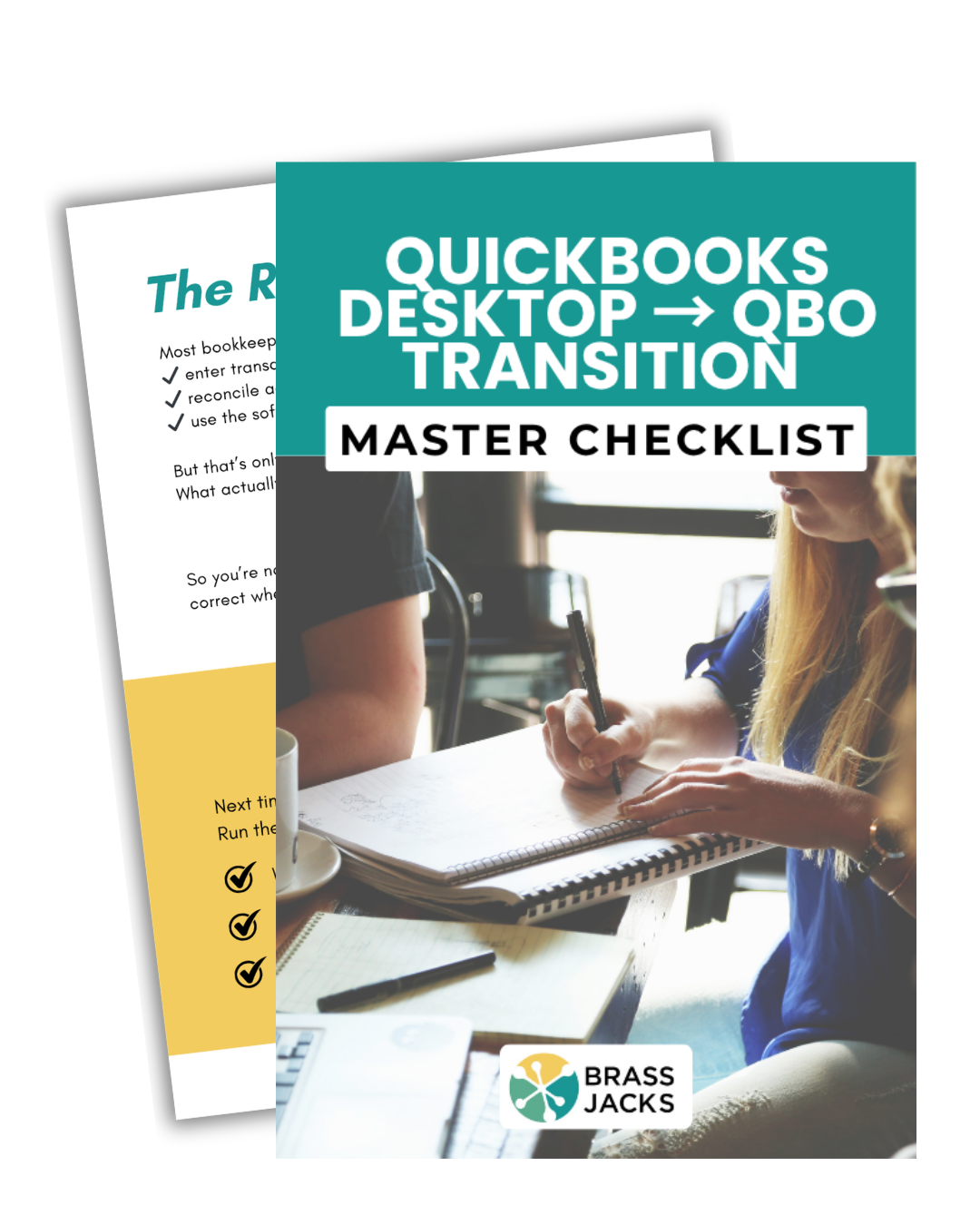
THE QUICKBOOKS DESKTOP → QBO TRANSITION MASTER CHECKLIST

Move Your Client to QBO With Eyes Wide Open

QuickBooks makes the move from Desktop to Online sound simple.

Export it. Convert it. Start working.

Except… you’re the bookkeeper who has to live with the results.

And when something doesn’t transfer correctly, a report changes, a workflow works differently, or a detail gets overlooked during the conversion, you’re the one trying to figure it out at 11pm. 

That’s why we created the QB Desktop → QBO Transition Master Checklist.

It gives you a step-by-step process for preparing the books before the move and reviewing them after the move, so you can approach the transition with confidence instead of crossing your fingers and hoping everything made it over correctly. 

What’s Inside the Master Checklist?

You’ll get a 7-page practical checklist covering:
  • What to do Before the Conversion
  • How to Convert Your Data
  • What Broke and How to Fix It
  • Mistakes to Avoid
  • Data that is added without your permission

Hi there!
We're Jackie Rockwell & Jackie Shaw

We are the bookkeeping duo here at Brass Jacks who've trained thousands of bookkeepers to stop getting corrections and start getting referral calls from CPAs.

Our mission is to educate people to become highly skilled professional bookkeepers.

If you care about getting things RIGHT in the books, you've come to the right place.

You've Got Enough to Keep Track of.
Let the Checklist keep track of the migration.

You already have plenty on your plate,
you shouldn't have to keep an entire Desktop-to-QBO migration process in your head too. 

Download the QuickBooks Desktop → QBO Transition Master Checklist
and use it as your guide for the next client that you move to QBO. 

Due to the digital nature of this product, no refunds will be given. 

Created with